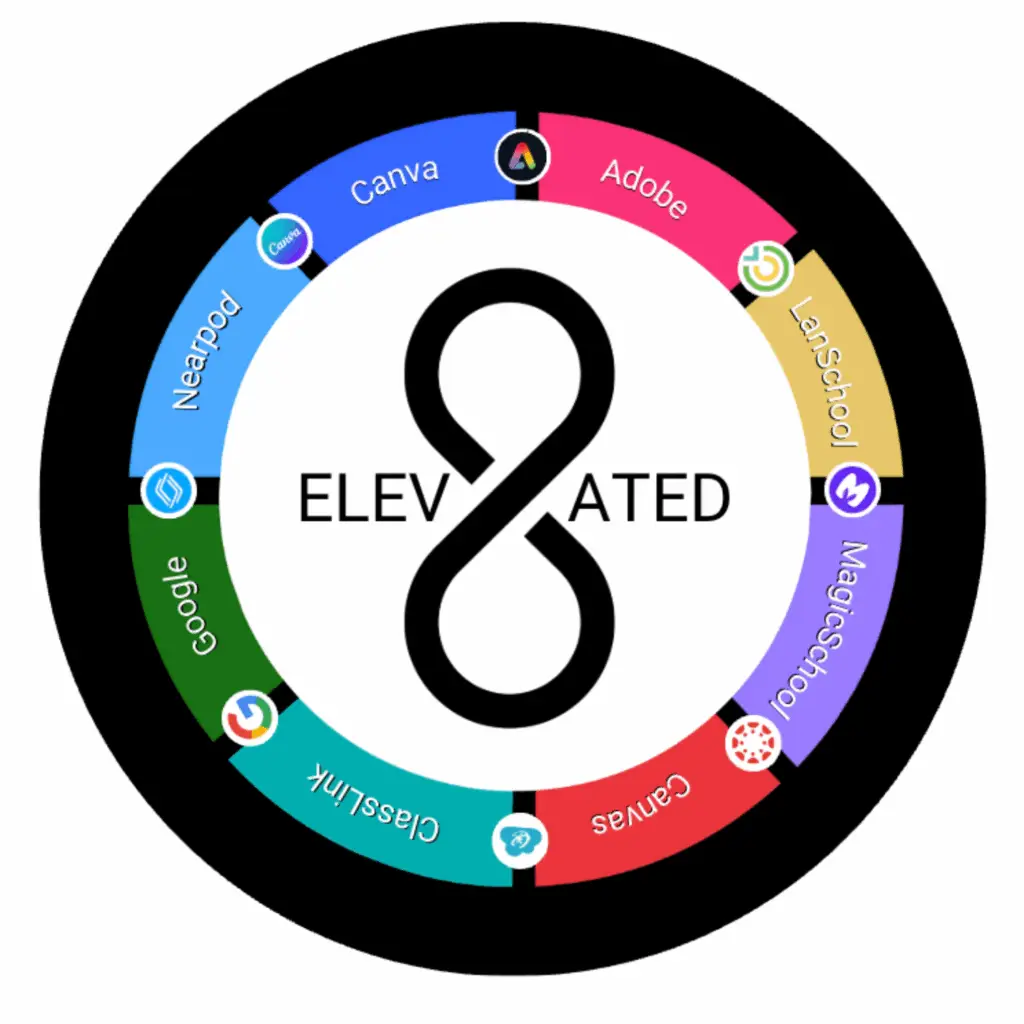
 Adobe Creative Cloud for Education is a suite of industry-standard creative tools—including Adobe Express, Photoshop, InDesign, Illustrator, and more—that empowers students and teachers to explore visual design, storytelling, and media creation. Ideal for classroom projects and future-ready skill building, it supports creativity across subjects and integrates with learning platforms like Canvas.
Teachers & students log in using their CSDDocs credentials at: creativecloud.adobe.com
 Google Workspace for Education is a suite of digital tools—including Drive, Slides, Sheets, Meet, and Classroom—designed to support teaching, learning, and collaboration in schools. In Canyons School District, this platform is often referred as CSDDocs, and it provides students and staff with secure, cloud-based access to productivity and communication tools.
Teachers and students login using their to CSDDocs credentials at csddocs.org
 ClassLink is a single sign-on platform that provides secure and streamlined access to digital tools and resources for students and staff. It works on both iPads and Chromebooks and allows users to manage apps, including adding and auto-launching frequently used tools.
Teachers login using their Microsoft 365 credentials, and students login using their CSDDocs credentials at: launchpad.classlink.com/canyons
 Canva for Education is a free, collaborative design platform tailored for schools that allows teachers and students to create engaging visuals like presentations, posters, infographics, videos, and more with thousands of education-specific templates. It streamlines classroom creativity by enabling real-time collaboration, easy sharing, and seamless integration with tools like Canvas.
Teachers & students login using their CSDDocs credentials at: canva.com
 LanSchool Air is a classroom management software that provides teachers with tools to monitor and control student devices during lessons. With LanSchool Air, teachers can view students’ screens in real-time, share their own screen or specific applications, control Internet access, remotely lock screens, and send messages to individual students or the entire class.
Teachers login with their CSDDocs credentials at: lanschoolair.lenovosoftware.com
 Nearpod is a digital instructional platform that transforms traditional lessons into interactive experiences—teachers can embed quizzes, polls, videos, VR, and gamified activities into slides to engage every student and collect real-time feedback. It works both in live sessions and student‑paced formats, allowing educators to use premade or custom content to check understanding, adjust instruction on the fly, and boost participation
Teachers login using their Microsoft 365 credentials, and students use an access code provided by their teacher at: nearpod.com
 Canvas is the learning management system used in the Canyons School District to help manage online and blended learning materials and communicate with families about student progress and achievement. Through Canvas, teachers can provide individualized feedback to students, and cultivate and maintain constant communication with students and families.
Teachers login with their Microsoft 365 credentials, and students login with their CSDDocs credentials at:
https//canyons.instructure.com
 MagicSchool is the recommended AI platform for Canyons School District teachers and students. It supports safe and effective used of AI in education while protecting student data.
Teachers login using their Microsoft 365 credentials at app.magicschool.ai